
Your setup
- S9 infrared controller and USB power
- Compatible infrared lights
- 2.4 GHz Wi-Fi with internet
- Phone or computer with a browser
LIGHT & CREATIVITY
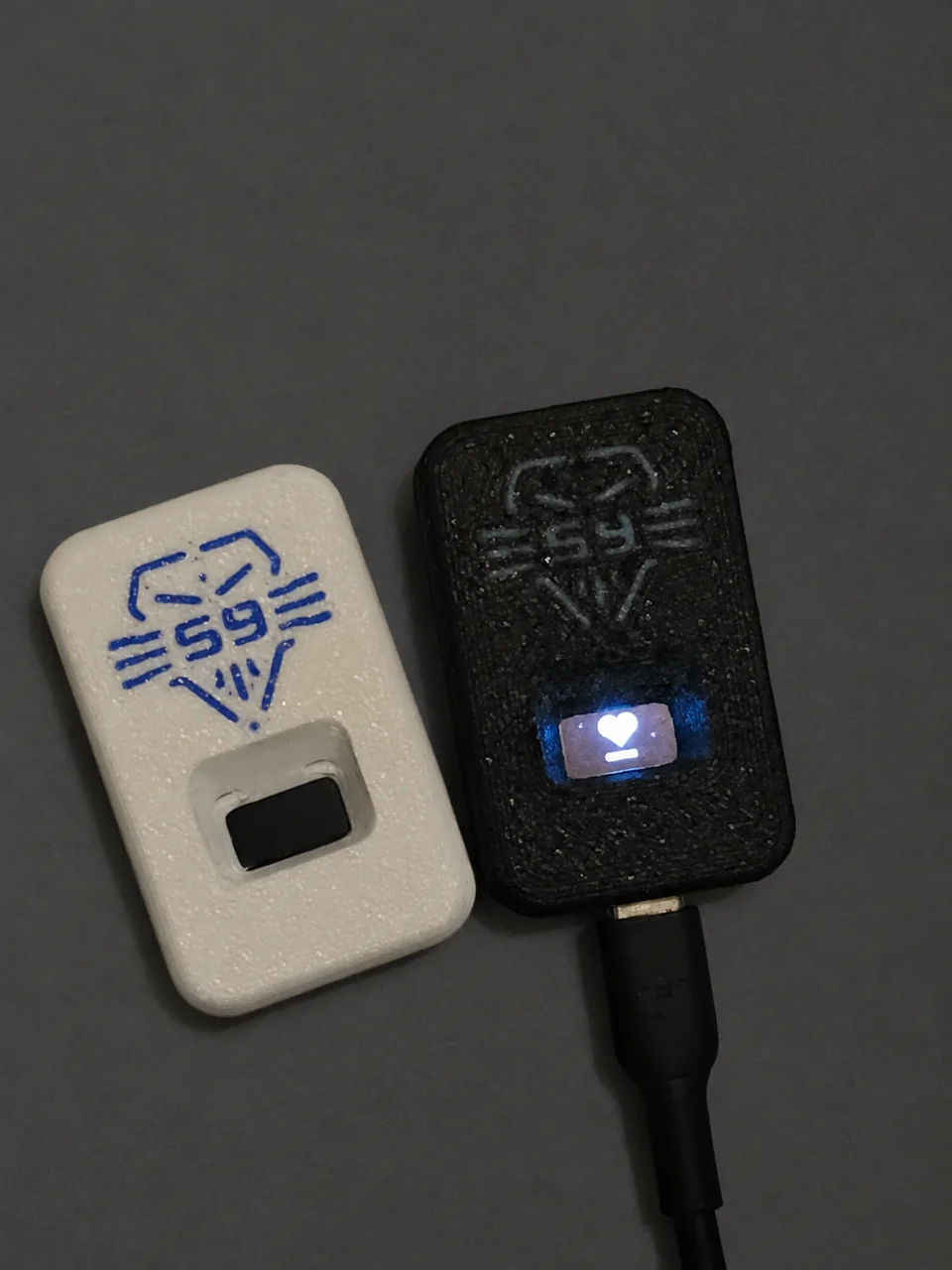
Choose colours, brightness and lighting effects. Save favourites for the settings you use most.
Start with a preset or create your own sequence. Saved shows keep playing on the controller after you close your phone.
On controllers fitted with an OLED screen, choose pixel art, draw a design or create your own lettering.
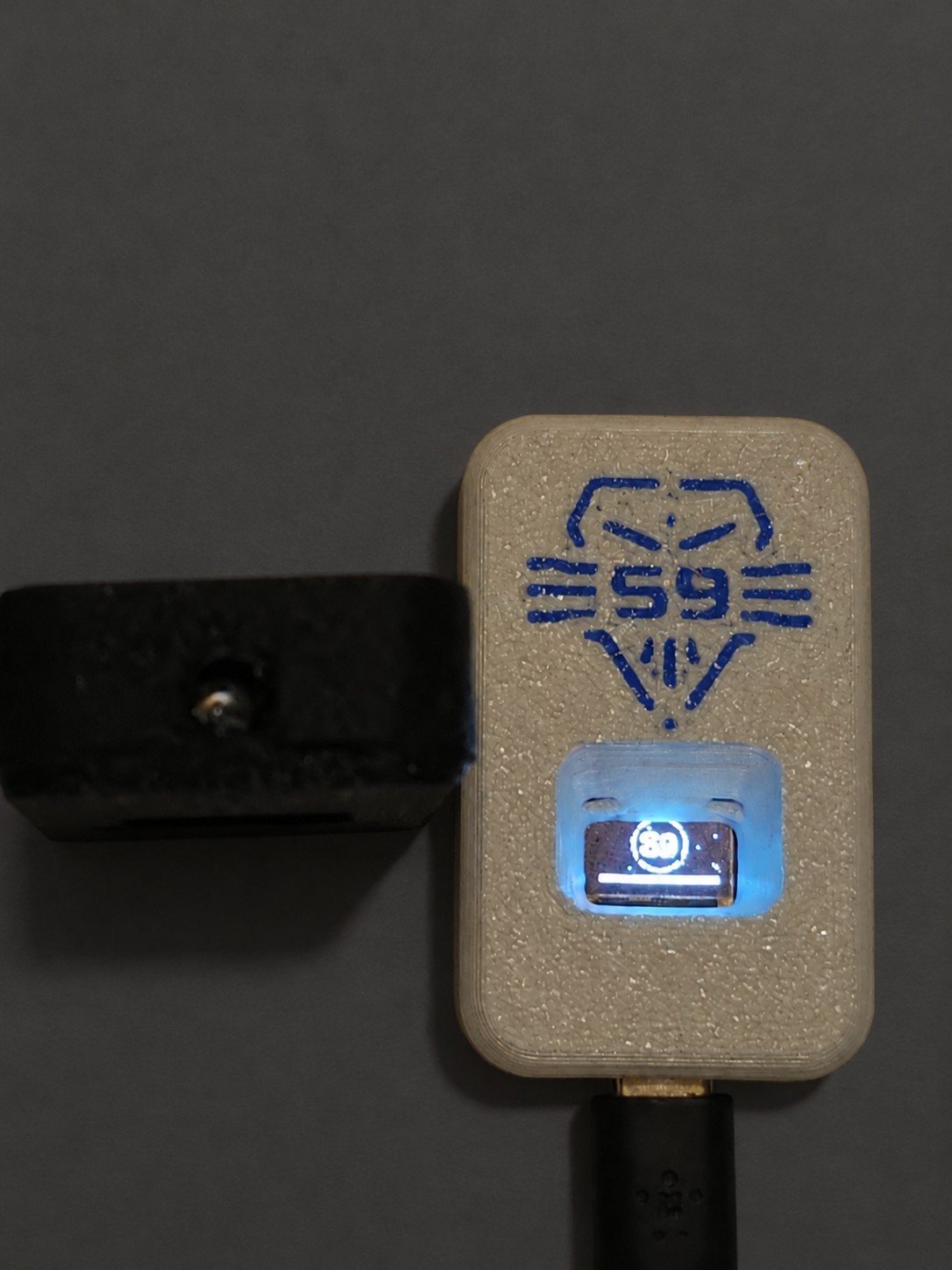
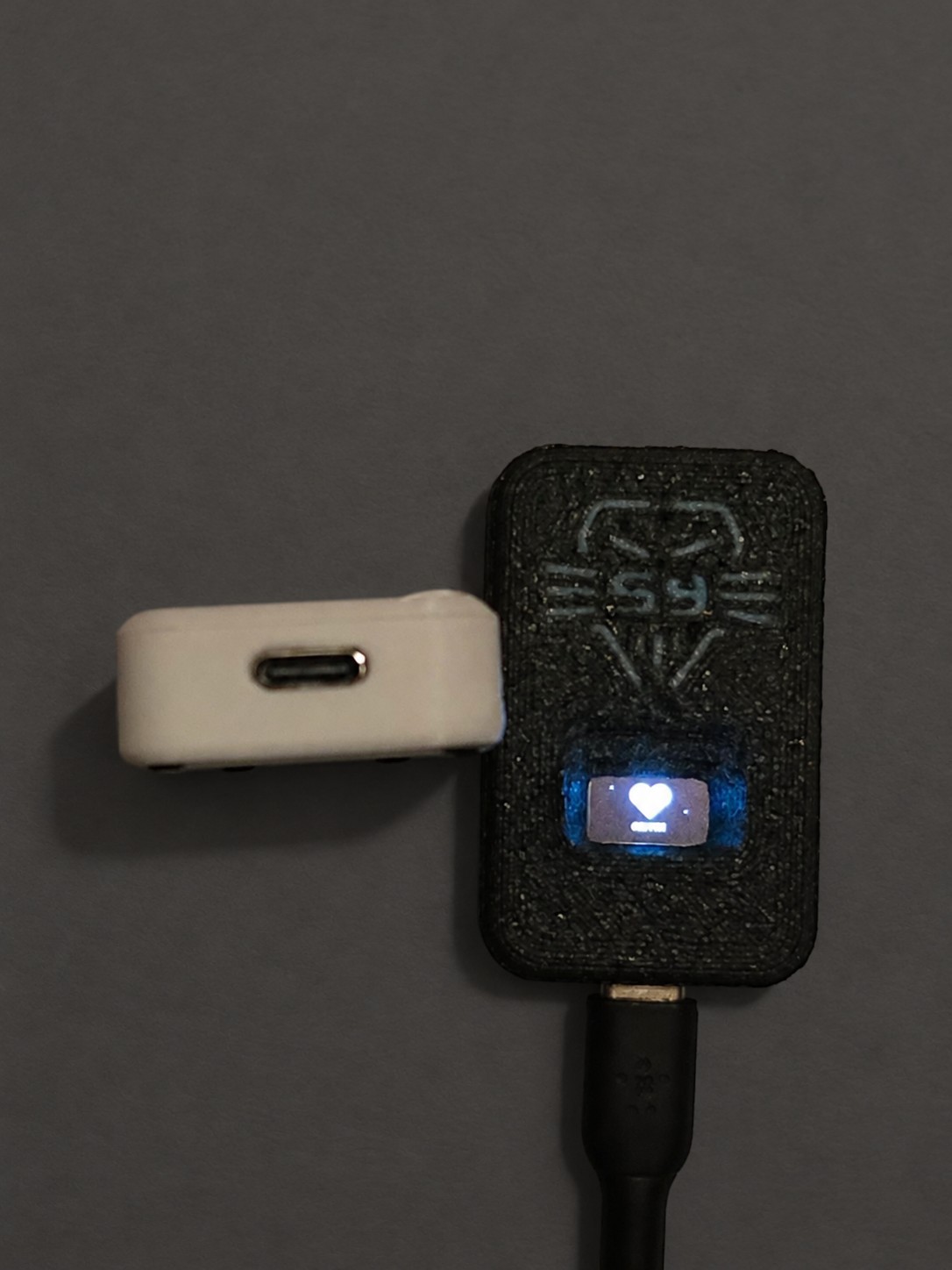
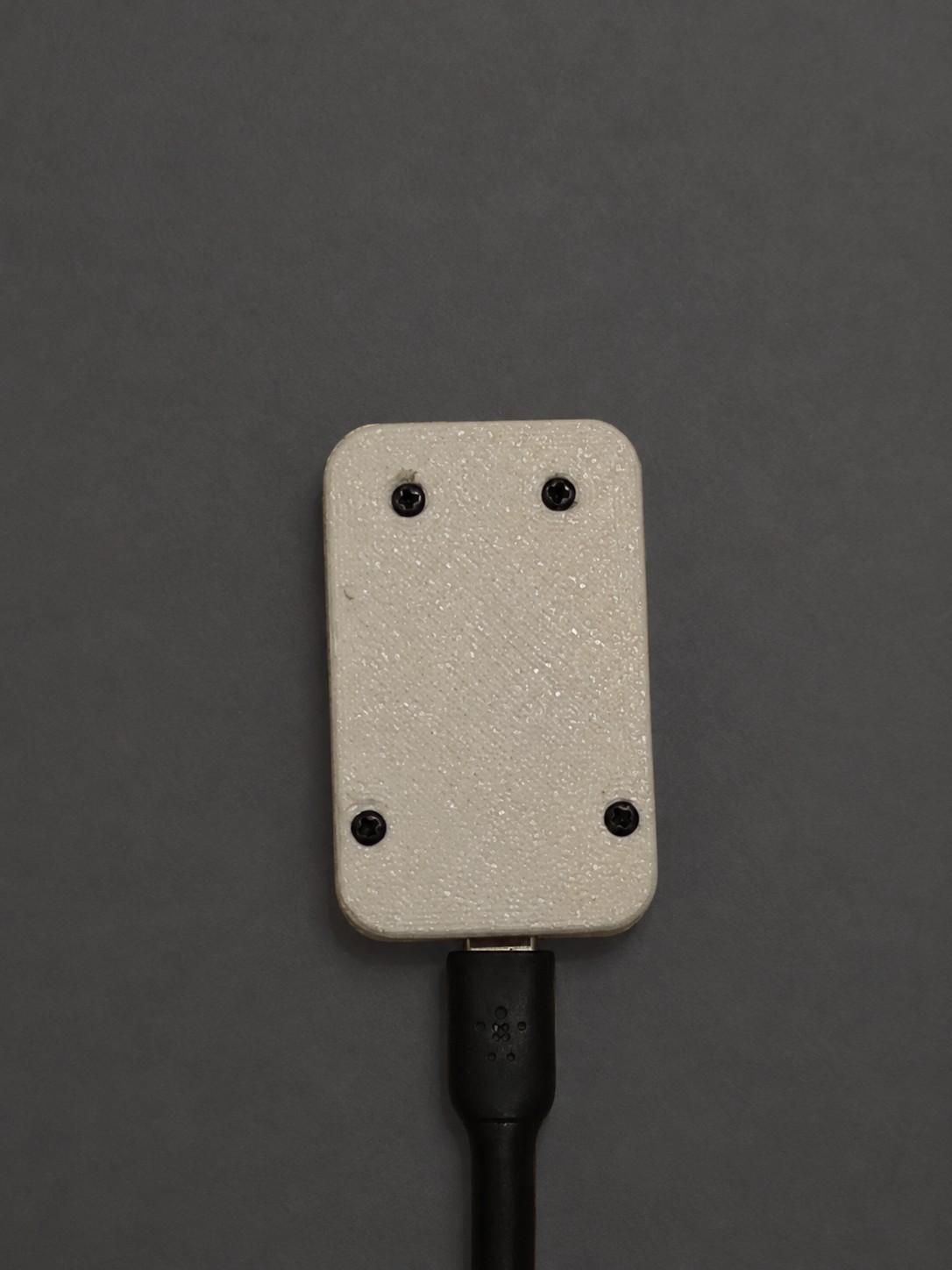
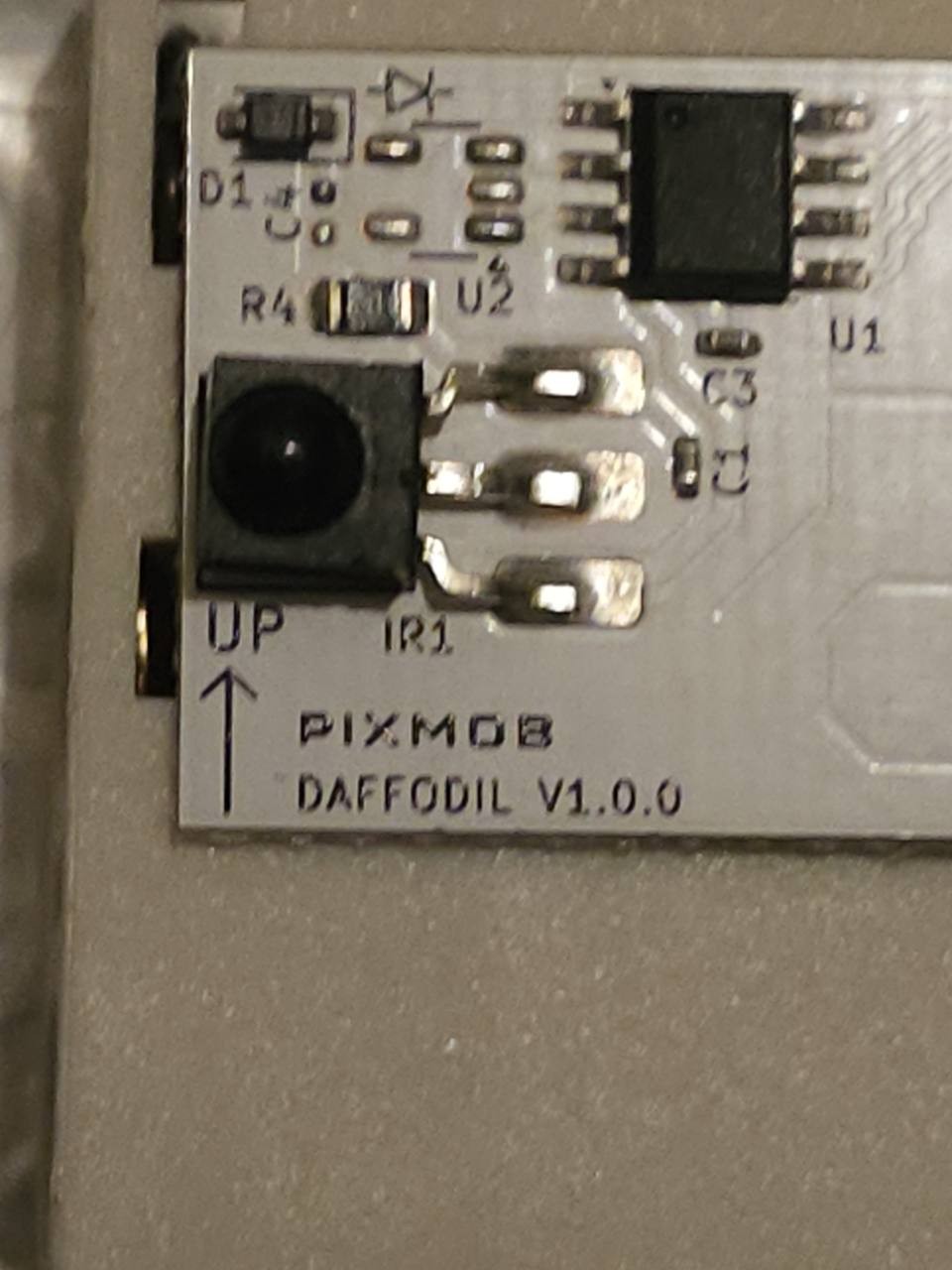
The controller, up close
Explore the enclosure and USB-C connection. Tap a photo to enlarge.
 Enlarge photo
 Enlarge photo
 Enlarge photo
 Enlarge photo
Independent S9 product. Not affiliated with or endorsed by PixMob. Compatible lights are separate.